The keyboard that speaks your language.
TypEvent is a keyboard for iPhone. It suggests words from its own engine on your phone, a toolbar opens from the red dot, and nothing you type ever leaves the device.
Suggestions that finish the word.
TypEvent completes the word you’re typing and offers the next one. The suggestions come from an engine built for this keyboard, running on your phone, and it pays attention to the word before.
It was made for Hungarian first, where one word has dozens of forms: after boltb you get boltban, boltba and boltból, not just the stem.
What you skipped, put back
Turn on Accent restoration and the space bar fills in what you left out: apostrophes in English (dont → don’t), capitals in names, and Hungarian accents (koszonom → köszönöm).
Nothing changes behind your back
Out of the box it doesn’t replace a single word on its own: the suggestion waits in the bar and you decide. If you’d like the space bar to correct, autocorrect is one switch away.
It only learns what you teach it
It doesn’t memorise anything by itself. Turn on word learning and you add a new word with one tap; whatever it learns stays on your phone.
Contacts and text replacements
Your text replacements can show up in the bar, and if you turn it on, your contacts’ names too. iOS hands both to the keyboard, and the keyboard passes neither of them on.
Dynamic touch zones experimental
The keys look the same, but a key’s touch area grows when its letter is the likely next one. It’s off by default; you can turn it on in the keyboard’s settings.
One red dot that reaches everything.
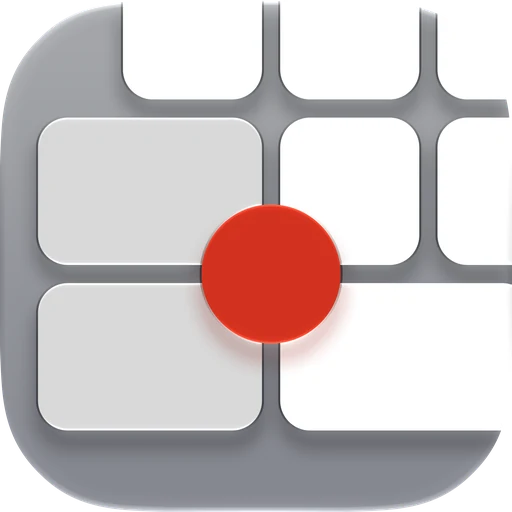
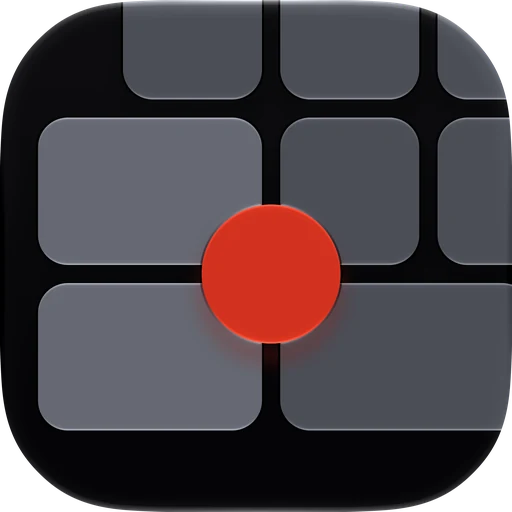
The dot sits between the keys. Hold it and the toolbar opens around it: settings, emoji, language, height, appearance, number row, swipe typing, autocorrect, accent restoration and paste.
Slide onto an orb and let go to use it. Drag the dot sideways straight away instead, and the keyboard switches to one-handed mode. Move the cursor with the space bar: hold it and it turns into a trackpad.
The space bar is a trackpad
Hold the space bar: the keyboard becomes a trackpad and the cursor follows your finger. No more poking at the text.
Arranged the way you like
Choose which tools sit around the dot, and in what order, in the app. You can also make dragging the dot move the cursor or change the height, and the dot can move to the other side.
Made of glass.
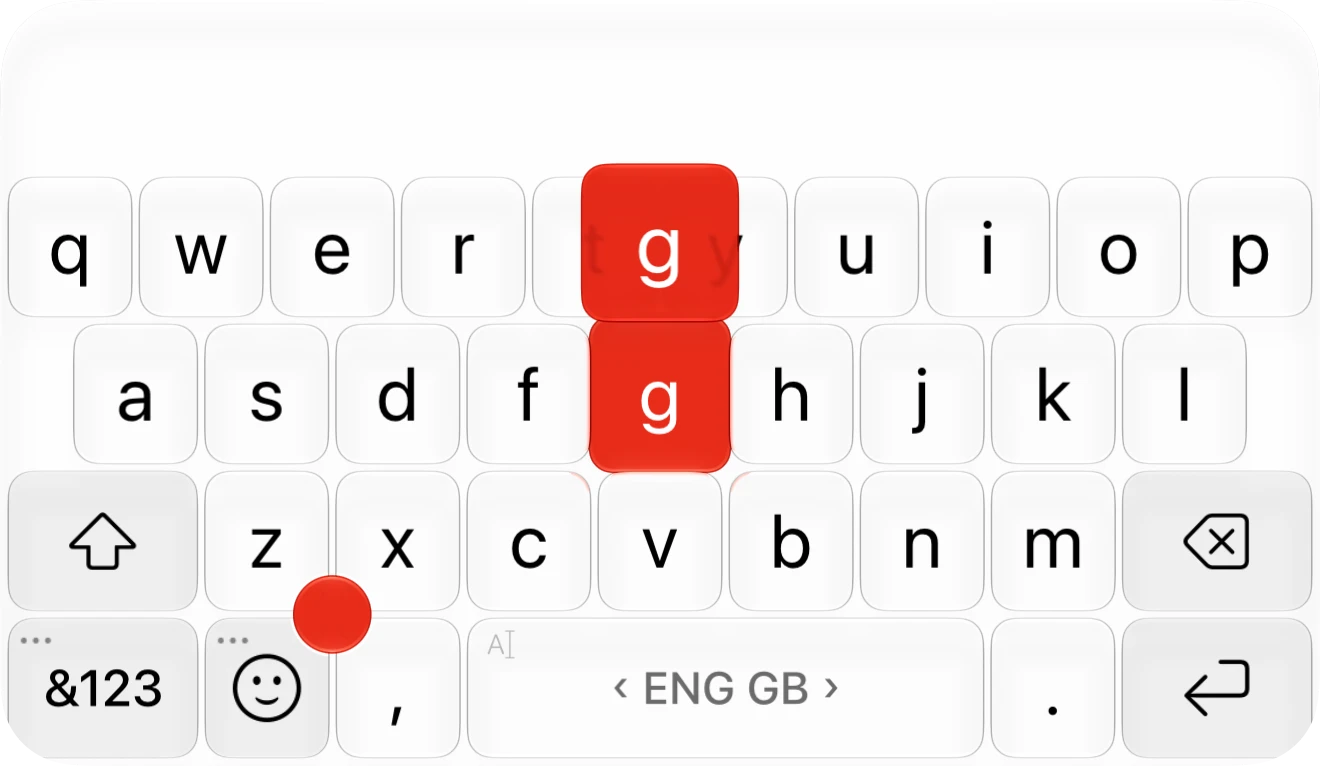
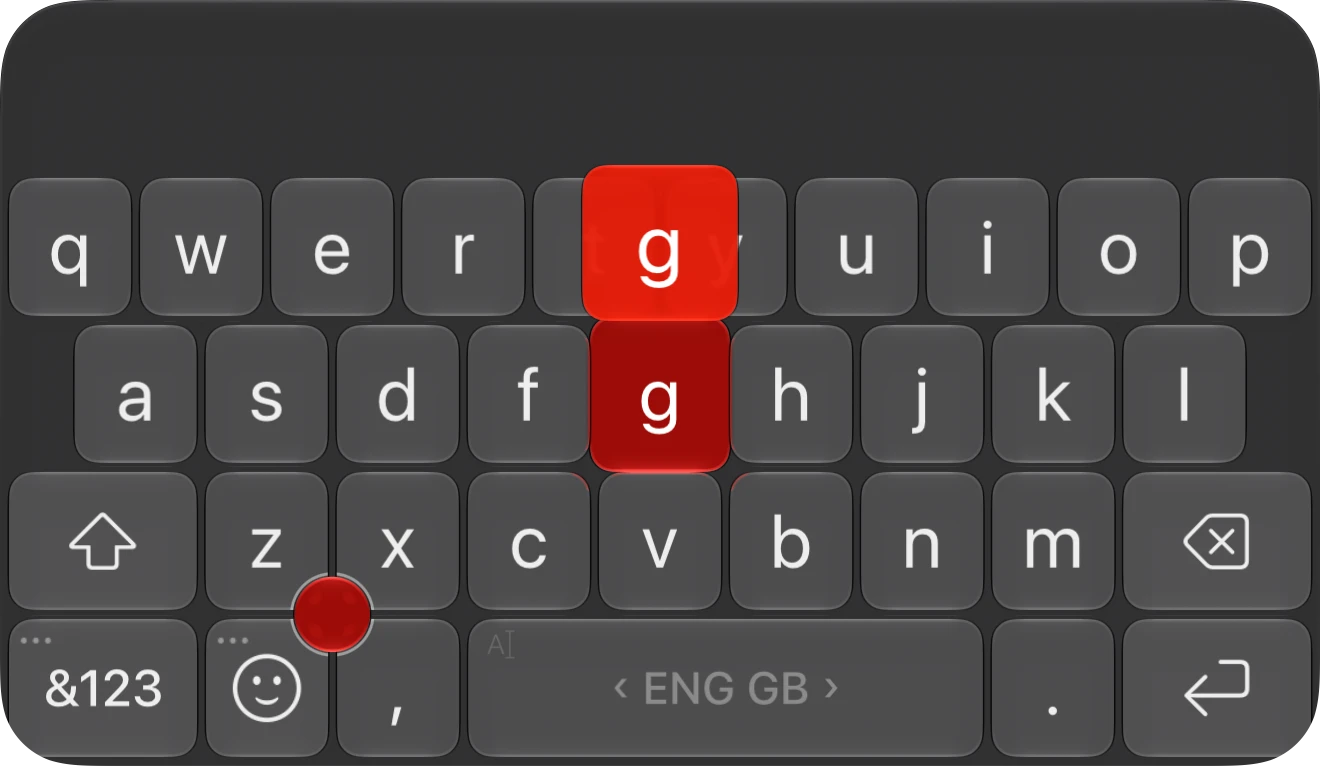
TypEvent is built from the Liquid Glass material of iOS 26: whatever is behind the keys shines through, in light mode and dark.
Pick one of sixteen built-in themes with a tap. Try them here by tapping a theme.
The Workshop
In the Workshop you tune sound, background and colour: eight sound sets including the iOS sound, your own sound from the Files app, and a picture or a short animation behind the keys.
The custom look
All built-in themes and everything the keyboard does are free. A one-time purchase unlocks the custom look: your own colours and themes, the paid sound sets, your own background and every fine setting in the Workshop. Family Sharing is included.
Swipe to type, too.beta
Turn it on and write a word in one stroke: slide your finger across the letters, and the word arrives when you lift it.
Swipe typing is a beta in the first release. Turn it on in Settings or from the dot’s toolbar.
Fourteen languages.
It writes English, in British and American spelling, and Hungarian with full dictionaries, plus twelve more European languages. Swipe along the space bar to switch.
For a Latin-script language without a dictionary, the International layout gives you every accented letter.
- English (UK)
- English (US)
- Magyar
- Nederlands
- Dansk
- Polski
- Svenska
- Español
- Français
- Русский
- Slovenčina
- Српски
- Lietuvių
- Eesti
- Suomi
- International
What you type stays on your phone.
There is no networking code in the keyboard. No account, no analytics, no ads, and TypEvent sends nothing you write anywhere. That’s why its App Store privacy label reads: Data Not Collected.
Complete without Full Access
iOS asks about Full Access. It’s optional: without it you still get suggestions, the dot and the themes.
If you turn it on
The keyboard can vibrate, paste from the clipboard works, your own background shows, and the app can see the settings you change on the keyboard.
The iOS warning
When you turn it on, iOS warns that a keyboard could send what you type. TypEvent’s keyboard has no networking code, so it couldn’t send anything if it tried.
Three steps and you’re typing.
Download
Install TypEvent from the App Store and open it. The introduction walks you through setup.
Turn it on
Settings › General › Keyboard › Keyboards › Add New Keyboard › TypEvent.
Switch to it
While typing, hold the globe key and choose TypEvent.
TypEvent is free. The custom look is a one-time purchase, with Family Sharing.
For now the app and the keyboard’s menus are in Hungarian. Typing and suggestions work in every language listed above.